
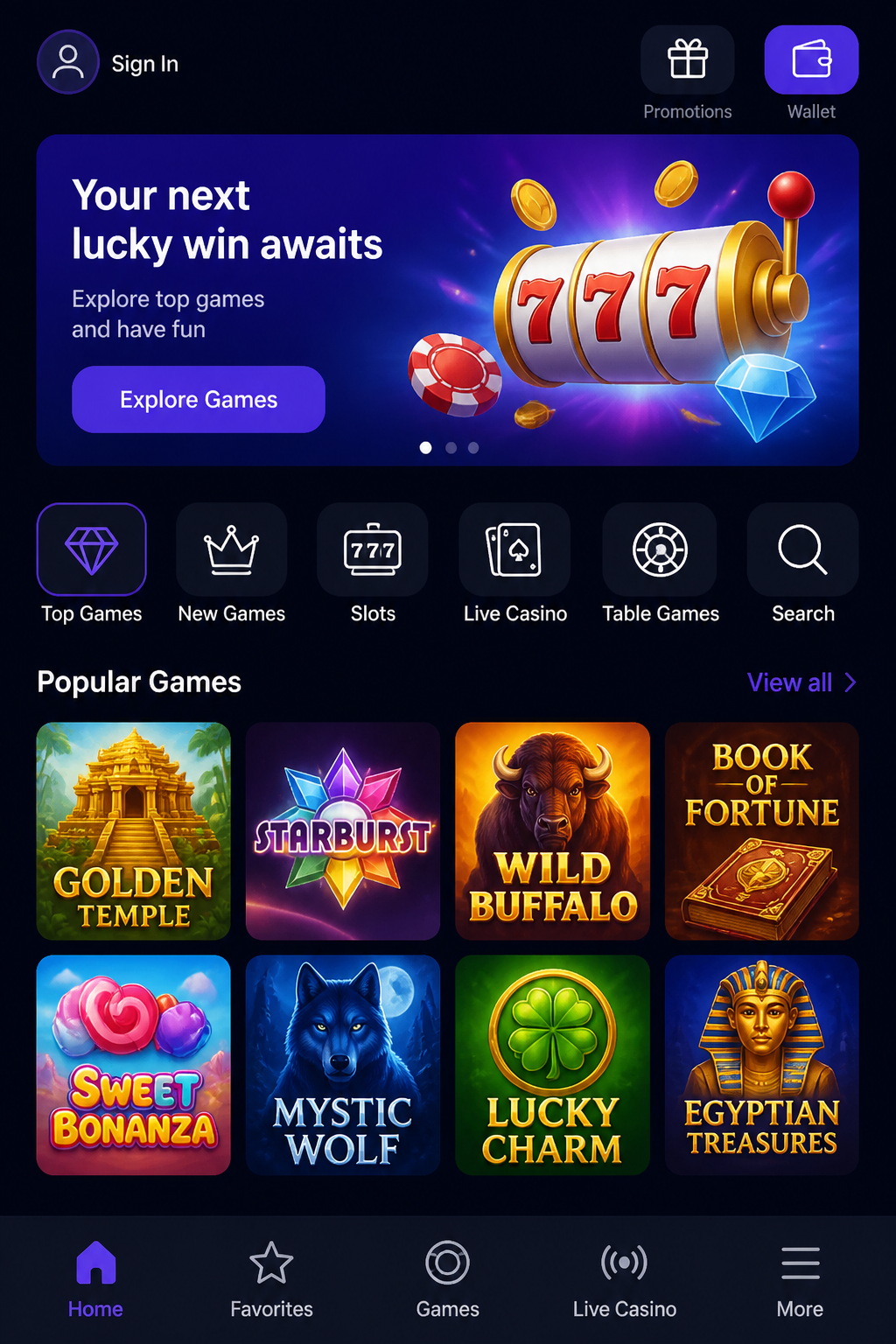
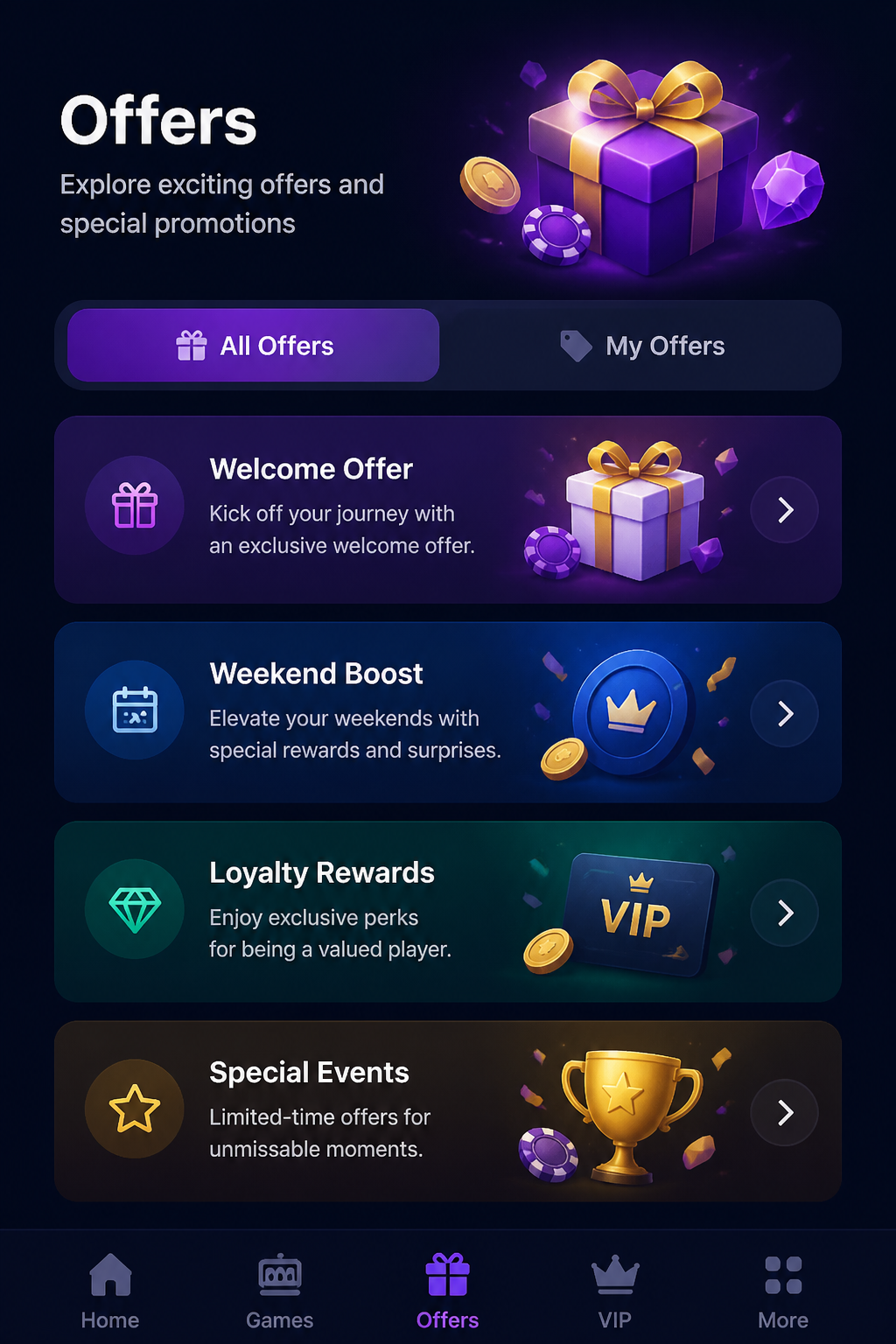
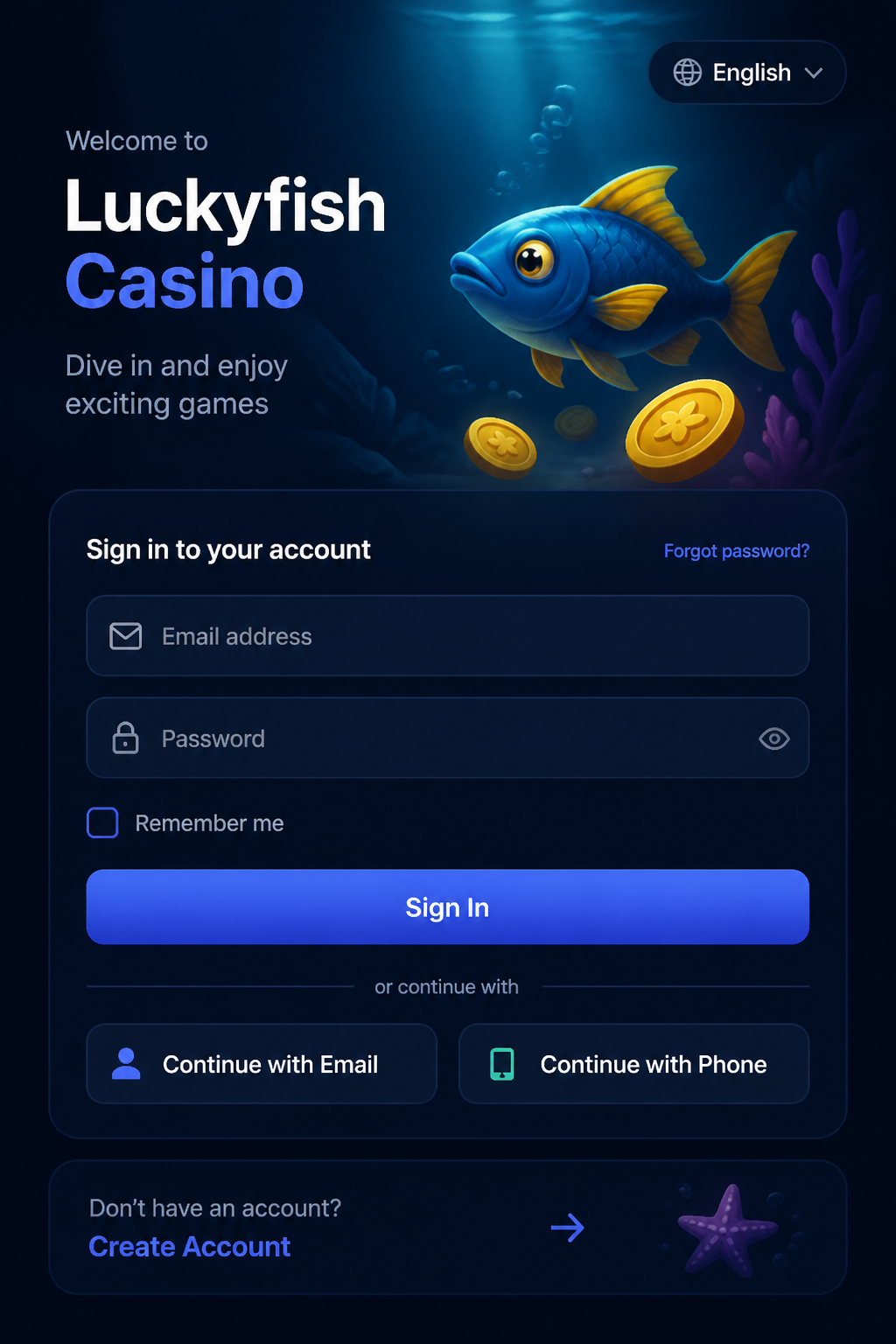
A mobile casino experience should be judged by how naturally the website fits your phone, not by whether a marketing page calls it an app. Luckyfish Casino can be assessed through ordinary mobile-browser features such as navigation, account access and readability. A separate official Android or iOS application has not been independently verified.
This guide covers what to check on different devices, how to avoid unofficial downloads and how mobile banking, games and account security fit together. The goal is to make mobile access easier to evaluate before committing any money.
| Mobile access | Use a supported phone browser |
| Android app | Official install availability not independently confirmed |
| iOS app | Check current availability rather than using unofficial downloads |
| Games | Mobile selection can vary by device |
| Cashier | Methods depend on account and region |
| Security | Protect login details and device access |
Mobile website versus installed application
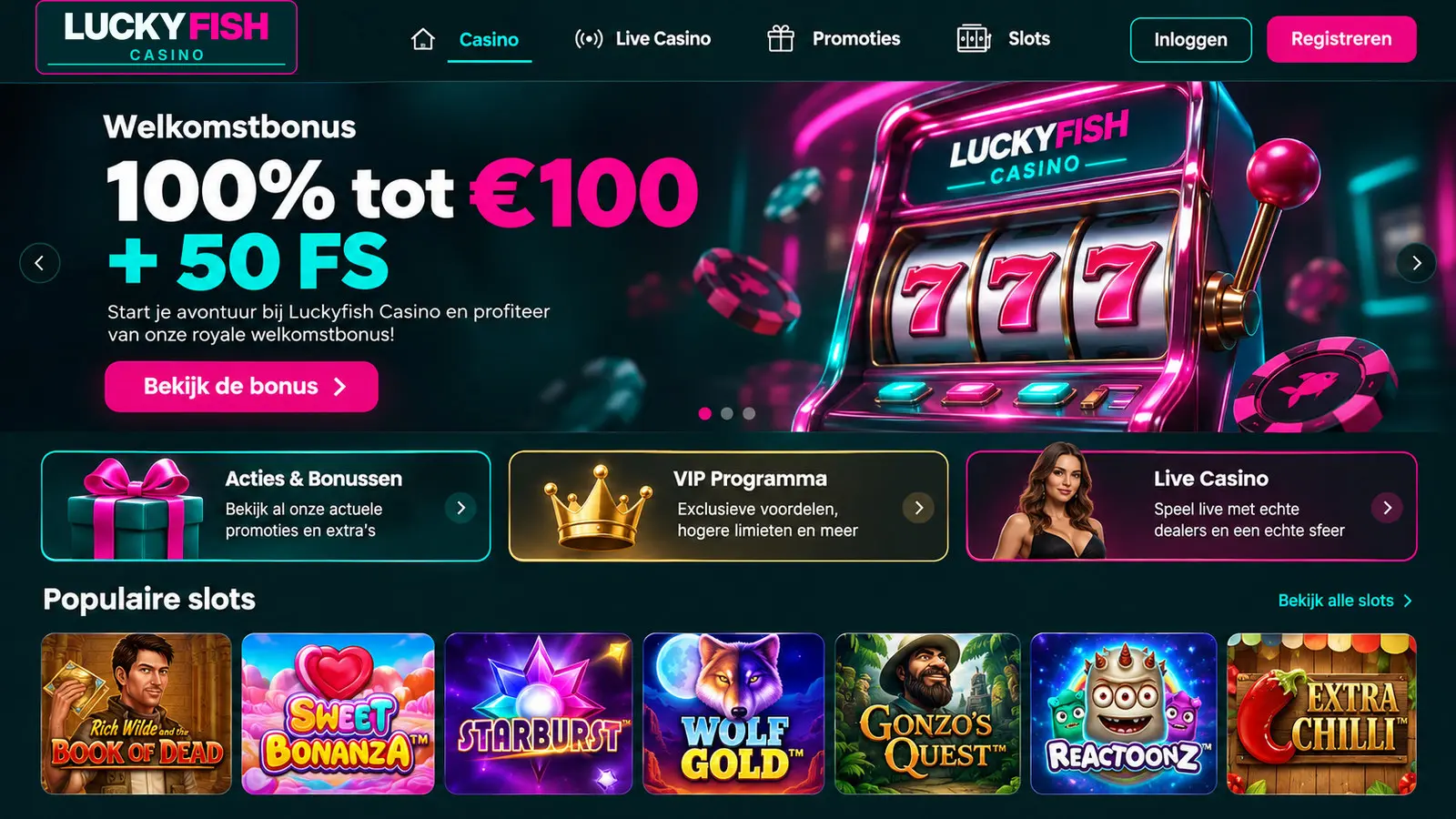
An installed application can offer a dedicated icon and access to device-level features. A responsive website, however, can provide a similar login, lobby and cashier without requiring a download. Neither approach guarantees better security or performance merely because of its format.
For Luckyfish, confirm the official website address before signing in. Avoid treating third-party download links or messages as proof that an app exists. The origin of software matters more than a polished promotional graphic.
Android compatibility and controls
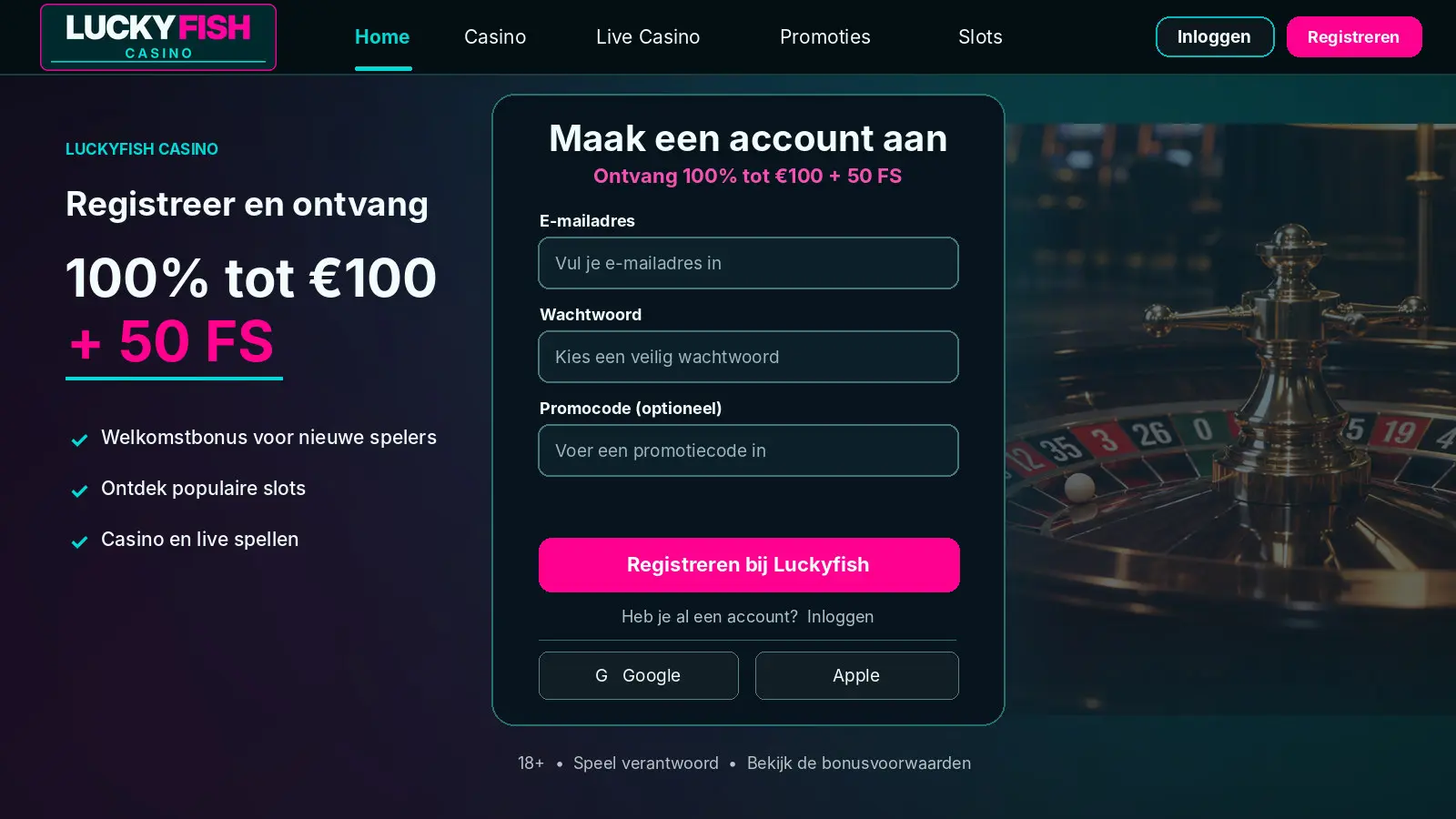
Android devices vary widely in display size, operating system and browser configuration. Test whether key buttons remain visible when the screen rotates, and whether a game’s rules can be read without zooming into tiny text.
If an unknown source offers an installation package, examine its origin and requested permissions carefully. We do not recommend a specific Luckyfish APK because a verified official distribution channel has not been established in this guide.
iPhone and iPad browsing
On an iPhone, a mobile website can be opened through a supported browser and saved as a home-screen shortcut if desired. A shortcut is not the same thing as an App Store application, and it should not be advertised as one.
Check form fields, payment confirmation pages and game controls on the actual device you use. What looks clear on a desktop monitor may need a different layout on a small phone.
Finding games on a smaller screen
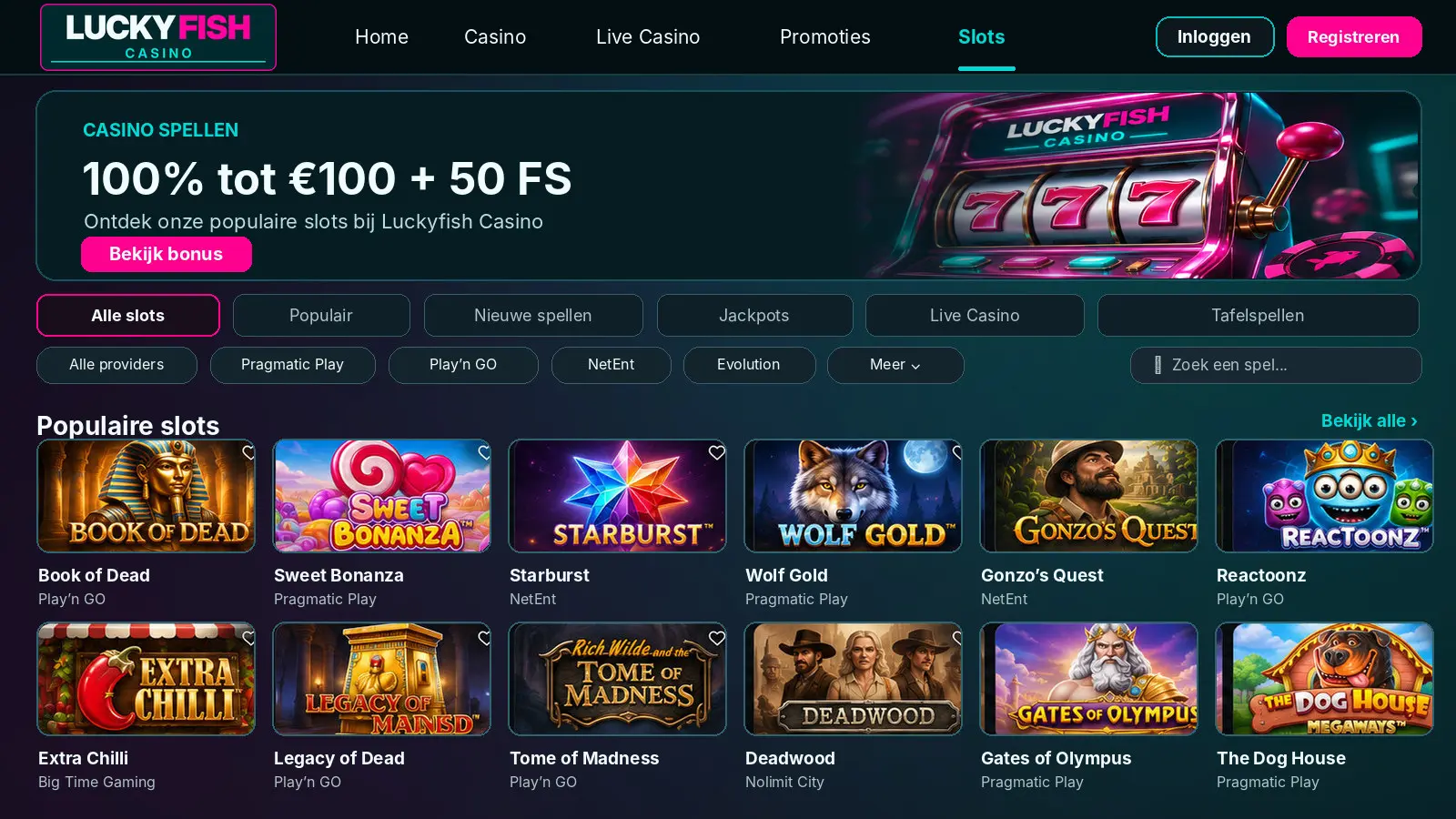
Game menus should be easy to open and dismiss. A useful lobby helps you filter by category and locate title information without hiding the deposit button or account balance. Horizontal scrolling in a site interface can be a warning that the layout has not been adapted properly.
Available titles may vary by hardware and region. Do not assume the full desktop selection will appear identically on every phone.
Slot sessions and live games
Slots with multiple reels or complex bonus menus may need a landscape layout. Read the bet amount each time the interface changes orientation; small on-screen controls can lead to unintended selections.
Live games depend on stable connectivity as well as clear timing indicators. Switching between networks in the middle of a round can create confusing delays. If the outcome of a bet is uncertain, check your history rather than immediately repeating the wager.
The mobile cashier
Payment options shown in a mobile cashier can depend on your account, payment provider and region. Cards, digital wallets and bank transfers are common categories, but their support at Luckyfish should not be assumed without checking the live screen.
Confirm the amount, currency and destination before approving a deposit. If the payment flow changes to another service, make sure the return to the casino is expected and secure.
Protecting your account on a phone
A phone that stays logged in can be convenient but risky if it is lost or shared. Use a passcode, keep system software updated and choose a password not used for any other account.
If verification documents are requested, upload them only through a clearly identified secure channel. Customer service should never require your banking password or a one-time authentication code through an unsolicited message.
What to do when a game freezes
First establish whether a wager was recorded. Note the game title, approximate time and transaction reference where available. Refresh the page only after recording what happened, then review your balance or game history.
If the result remains unclear, contact the official help channel with those details. Repeatedly placing the same bet is not a reliable way to resolve a missing result.
Legal availability on mobile devices
A Curaçao licence is mentioned in connection with Luckyfish, but no current certificate tied to the specific domain has been independently verified here. A site opening correctly on your phone does not establish that remote gambling is permitted where you live.
Check the eligibility rules for your jurisdiction separately from the technical compatibility of your device. Access and legal authorisation are different questions.
Mobile checklist before playing
Check the official address, screen layout, game information, support contacts, cashier methods and account security settings. You can assess most of these without making a deposit.
A smooth mobile interface is useful only when the surrounding terms are clear. Do not let a quick-loading game replace your normal budget and time limits.
Mobile connection and game-session continuity
On a phone, interrupted connectivity can make an ordinary action look like a technical failure. A button may react slowly, or the screen may fail to refresh after a game round has already been recorded. Before repeating an action, check your game history and current balance. The same principle applies to deposits: when a payment confirmation is delayed, review the transaction status rather than instantly starting another transfer. Stable connectivity helps, but it does not eliminate every possible display issue.
For account access and payments, use a connection you trust. Avoid signing in through links from unexpected messages that claim your account must be verified urgently. Open the website through its known address and find support there. If you share a device with anyone, sign out at the end of a session and do not save payment details unnecessarily. Those simple precautions provide more practical protection than downloading a file that has not been established as an official Luckyfish application.
Accessibility matters more than an app badge
A mobile site is only useful when its interface is comfortable. The balance, bet controls and important game rules should remain visible on a smaller screen, including when the device changes orientation. Try opening account settings and navigating back to the lobby without scrolling through long menus. If a promotional pop-up covers a payment button or the page must be dragged horizontally to read text, that is a genuine usability issue even if the design looks appealing in a screenshot.
Smaller text and intense animations can become tiring, especially during longer sessions. Browser zoom and device accessibility settings may help, but they cannot compensate for missing controls. Make sure you can find the logout option, support information and any available limit-setting tools. These are more meaningful checks than the mere existence of an icon labelled app. An official separate Luckyfish iOS or Android application has not been independently verified for this guide.
What to do after an interrupted mobile round
Incoming calls, notifications and switching between apps can place a game in the background. If that happens mid-round, do not assume the stake was cancelled or that the round should be played again. Review the account and game history first. If the record is unclear, note the game name, approximate time, round reference if available and the balance shown before and after. These details help support staff investigate a specific event.
A browser refresh or connection change may solve a display problem. However, avoid deleting transaction details or reinstalling unknown software while trying to fix a pending payment. Do not download an APK from an unofficial chat contact who promises a faster casino experience. The practical focus is safe browser access, predictable navigation and a clear route to official support, rather than an unverified mobile download.
For Luckyfish Casino, the clearest starting point is a trusted browser rather than an unverified app download. Focus on usable navigation, secure payments, transparent terms and sensible limits when playing on a phone or tablet.
Always available does not mean always appropriate
A mobile browser makes an account easy to access, but not every spare moment is a good time to gamble. Consider disabling notifications, planning a finishing time and signing out after the session. When reading small controls for an extended period, it becomes easier to misunderstand a balance or selected bet. Double-check the amount before confirming an action. Fatigue, distraction and poor connectivity are good reasons to close the page and return later, if at all.